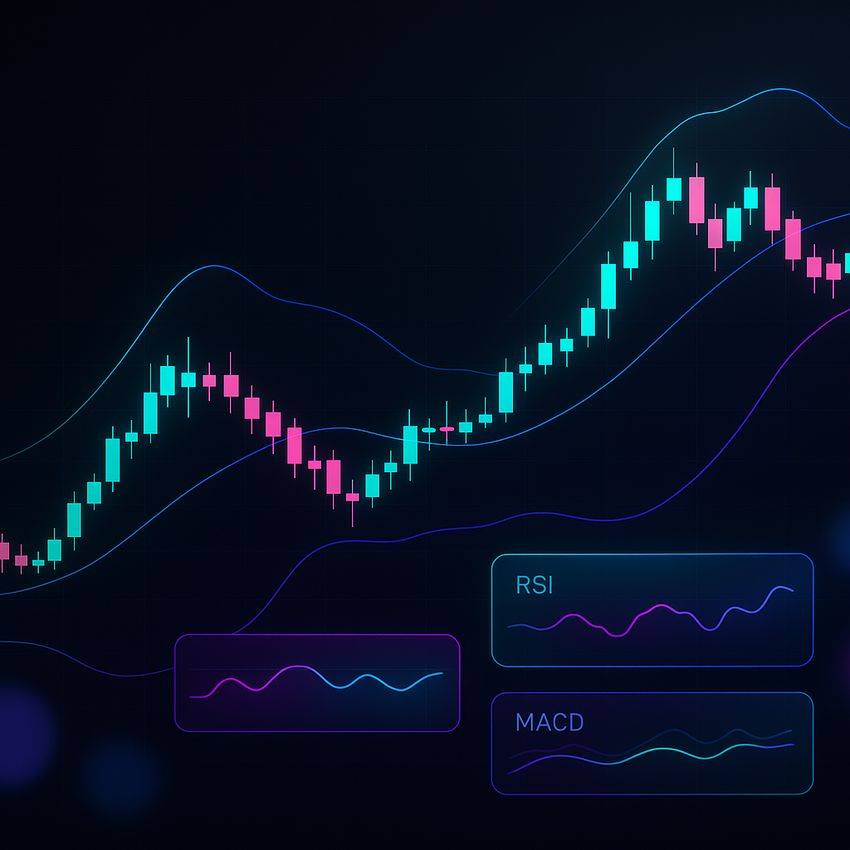
TradingView Crypto Indicators: The Complete 2025 Guide
This hands-on guide explains how to choose, configure, and combine TradingView crypto indicators for higher-probability decisions. You’ll learn best-practice settings, alert automation, backtesting, and ready-to-use templates—plus pro tips to avoid common mistakes.
Exclusive perks
Get set up on top crypto derivatives venues
Open an account and practice the strategies below on live markets. Choose your preferred platform:
Tip: Create a small “test” account first. Use alerts and templates from this guide to validate your process before scaling size.
What Are TradingView Crypto Indicators?
TradingView indicators are mathematical tools layered on price/volume to describe trend, momentum, volatility, and liquidity. In crypto, where markets run 24/7 and can whipsaw quickly, indicators help you:
- Define market regime (trending vs. ranging)
- Time entries/exits with momentum shifts
- Place risk-based stops and targets using volatility
- Automate alerts so you don’t stare at charts all day
How to Add & Configure Indicators on TradingView
Step-by-step
- Open a crypto chart (e.g., BTCUSDT).
- Click Indicators → search the name (e.g., “RSI”).
- Click the gear icon on the indicator to adjust inputs and style.
- Save your layout and create alerts via Right-click → Add alert.
Quick configuration tips
- Use log scale for multi-year crypto charts.
- Keep your chart clean: 3–5 indicators max.
- Color/style for readability; group
plpweb0